
PARKING
Park two cars in the driveway. And in front of the street. Please make sure all personal belongings are stowed when parking in the street just like you would in casino garages. This is still a major city.
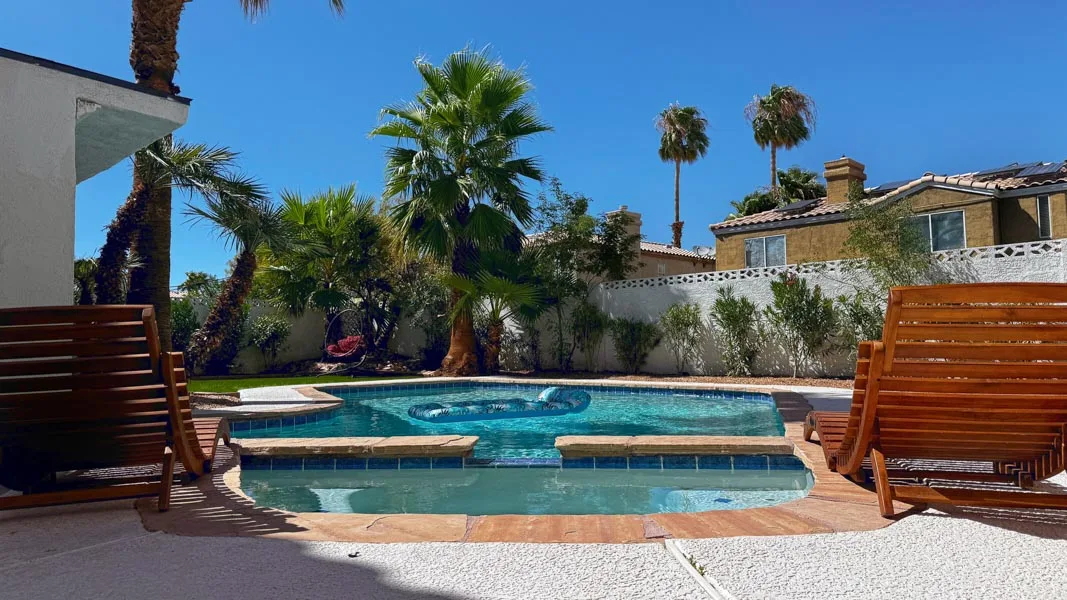 LAS VEGAS, NEVADA
SETTLE IN
Settle in, find your favorite spot, and make yourself at home. Everything you need for a smooth stay is right here.
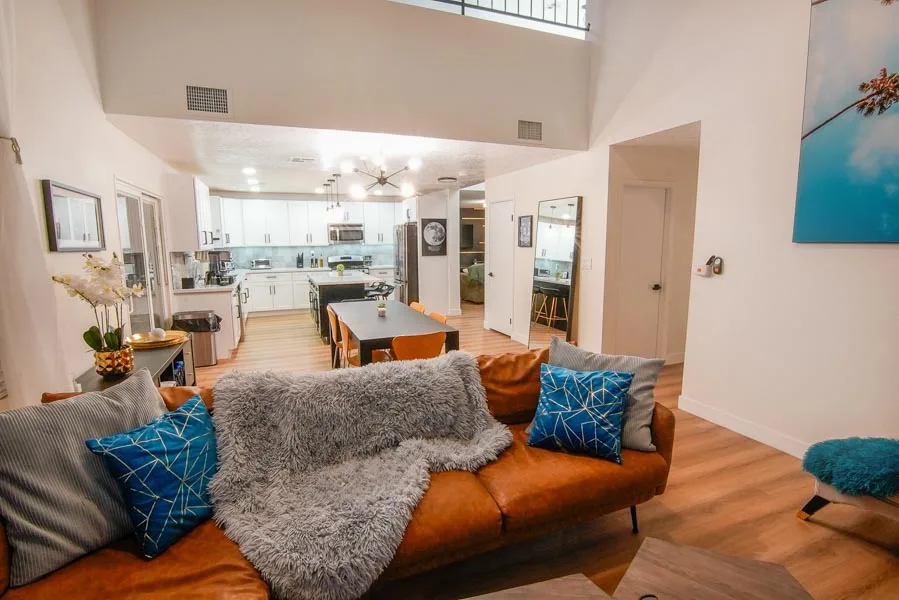 01 / ARRIVE & UNWIND
A SMOOTH START
Keep quiet in front of the property at all times, especially when arriving and leaving.
Access codes and Wi-Fi details are shared through your reservation or at the property.
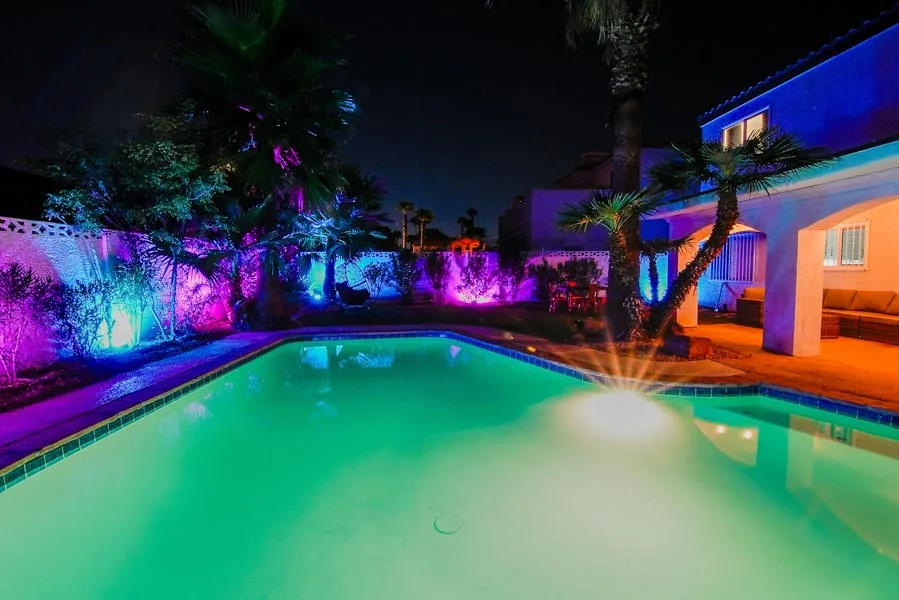
YOUR BACKYARD ESCAPE
POOL & SPA
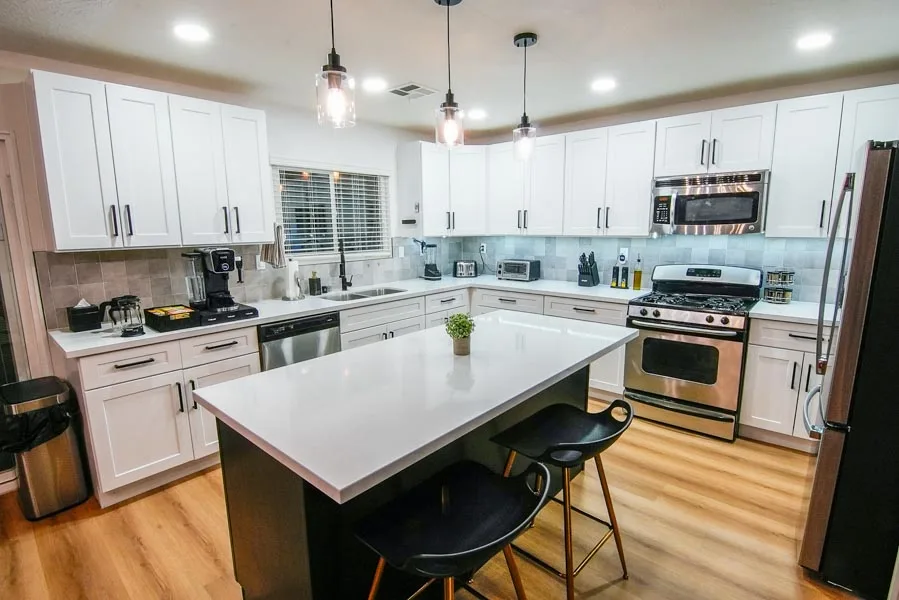 02 / COOK & CONNECT
THE HEART OF THE HOME
Park two cars in the driveway. And in front of the street. Please make sure all personal belongings are stowed when parking in the street just like you would in casino garages. This is still a major city.

WIFI: sophic guest
Password: sophicairbnb
Scan QR Code or share for quick access to your mobile device.

Tip! If you find that there is minimal air coming from the fan, simply press the forward reverse button labeled "F/R" Make sure to only press once, to give it time to slow down and change speed. The top left button will turn on/off the lights.

TVs have a Roku controller and will be on guest mode so you can log in to your accounts and return to where you left off on your favorite shows. This mode ensures that non-authorized purchases are made on the owner's accounts. If you do log in to your services, make sure to log out, or let us know if you forget. Living room TV sound bar controllers located behind soundbar. Please put back when done.

Make sure to empty the lint trap between drying. Double-check that the trap is placed back so the dryer will work.
Larger loads will require more heat and time, adjust accordingly.

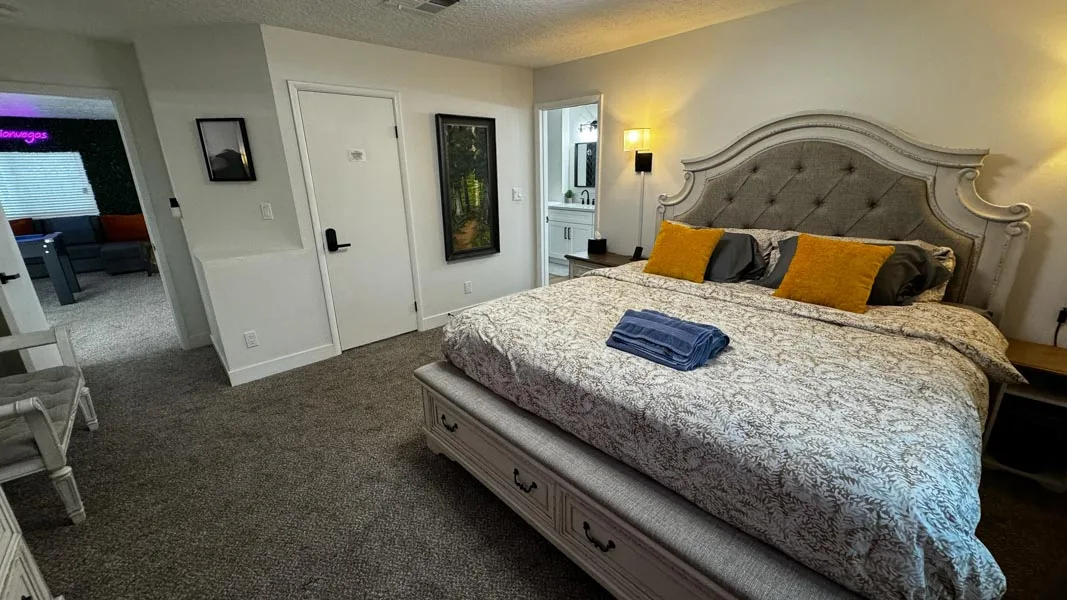
Switches for the bed lights are located above each nightstand. The entry light switch turns both lights on independently.

Do not flush anything but toilet paper. Please do not access locked drawers. Make sure to close windows. Hair dryer located in top drawer. Additional small bin garbage bags, toilet paper, and towels located in linen closet.

Each remote control is color coded labeled based by their room to keep track of for our guests. Please make sure to return the controllers to their designated rooms holder.

• Turn off all burners and gas tank valves and unplug BBQ.
• Guests MUST Clean the grill grates and put back.
• Clean up any spills. Do not leave food particles anywhere.
• Wipe down the BBQ.
• Clean all utensils.
• Leave grill top cover down.

DO NOT TOUCH POOL EQUIP!
Quiet time begins at 10pm to be mindful of our amazing neighbors. Contact your host regarding charges/use of pool heating.
Spa heater controls located next to patio sliding door on wall mounted ipad.

There are fire suppressants and medical kits located throughout the property. Please review the safety video provided on this Guest Guide for location and information.

Controller is located on the wall, please make sure to return the controller when done. If fan isn't turning on, check the labeled switch next to long mirror to ensure it's on. Overhead track lighting smart controller is labeled and provided as well.
WATCH & GET COMFORTABLE
A little guidance, right when you need it.
Turn on the spa heater first. Once warm, use the blower only when the spa button is green.
A quick walkthrough of the Ninja coffee machine at the café bar.
Find your way around the arcade and its games.
Learn to use the Nest thermostats on each floor. Keep summer settings at 69°F or above.
UNTIL NEXT TIME
A few small things make a big difference for the next guests.
Your checklist stays on this device. No information is submitted.
EXPLORE YOUR STAY
Find your favorite corner.
HERE WHEN YOU NEED US
Message your host through the platform you booked with. For urgent danger, call emergency services.